
Though we try to cover as many areas as possible here on the knowledge base, there will be times when you need to reach out to us to clarify or investigate issues. This article will show you how to submit a support request to us.
There are 2 ways to submit a support request:
Via Email
Simply compile an email detailing what you need help with and send it to support@caresignal.health. This will create a ticket in our support tracking system and our staff will get back to you shortly.
Via Web Portal
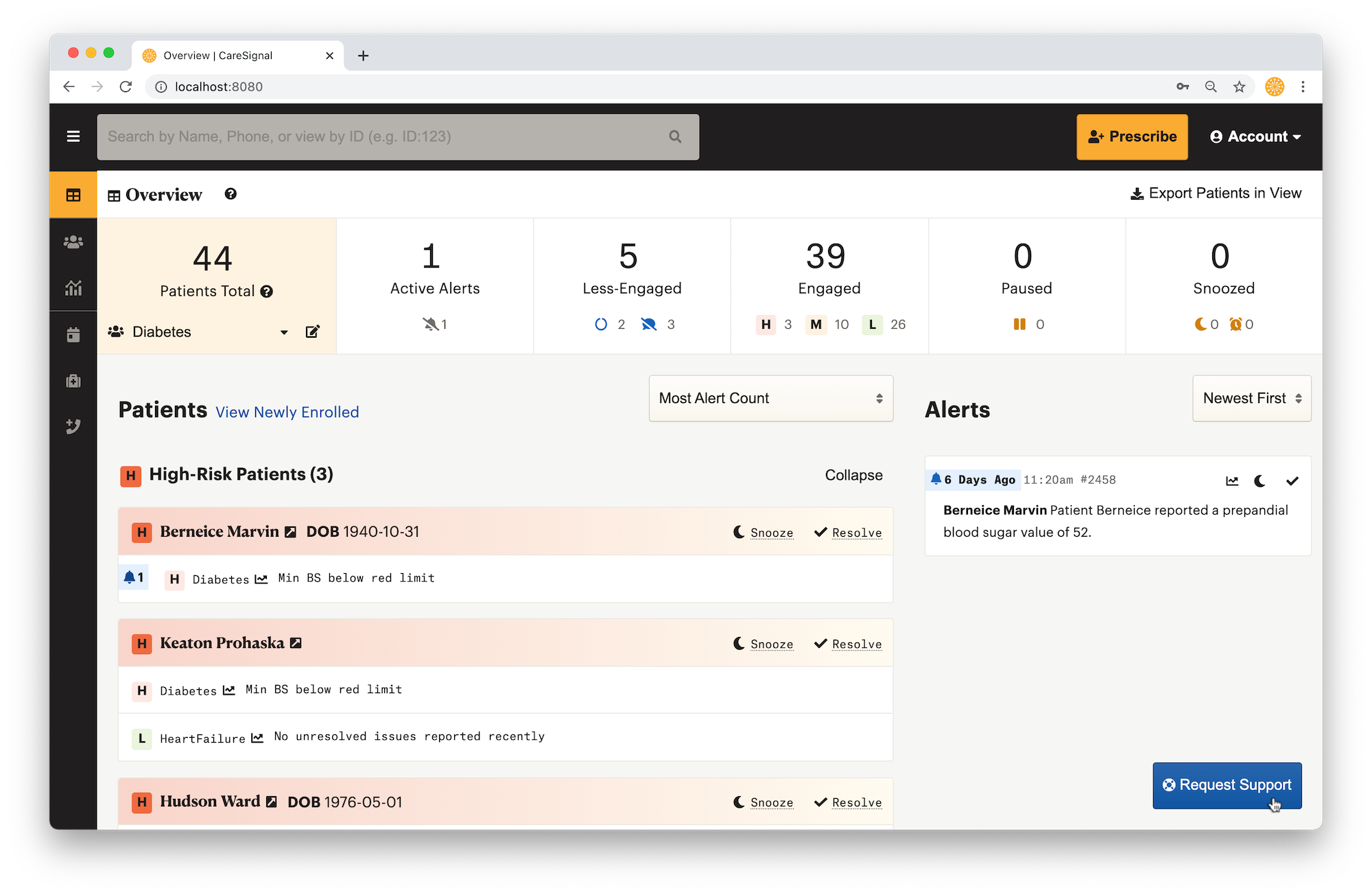
You may also submit a support request via our web portal. To do so, you will first log onto your CareSignal account. On the dashboard page, you should see a "Support" button at the bottom right corner. Click the button and a form will appear.
Fill in your name, type of request, and then describe what you require help with. Please DO NOT include any protected health information in your support request. If you need to reference a specific patient, you may use the patient's ID (which can be found when you open up the patient's details).
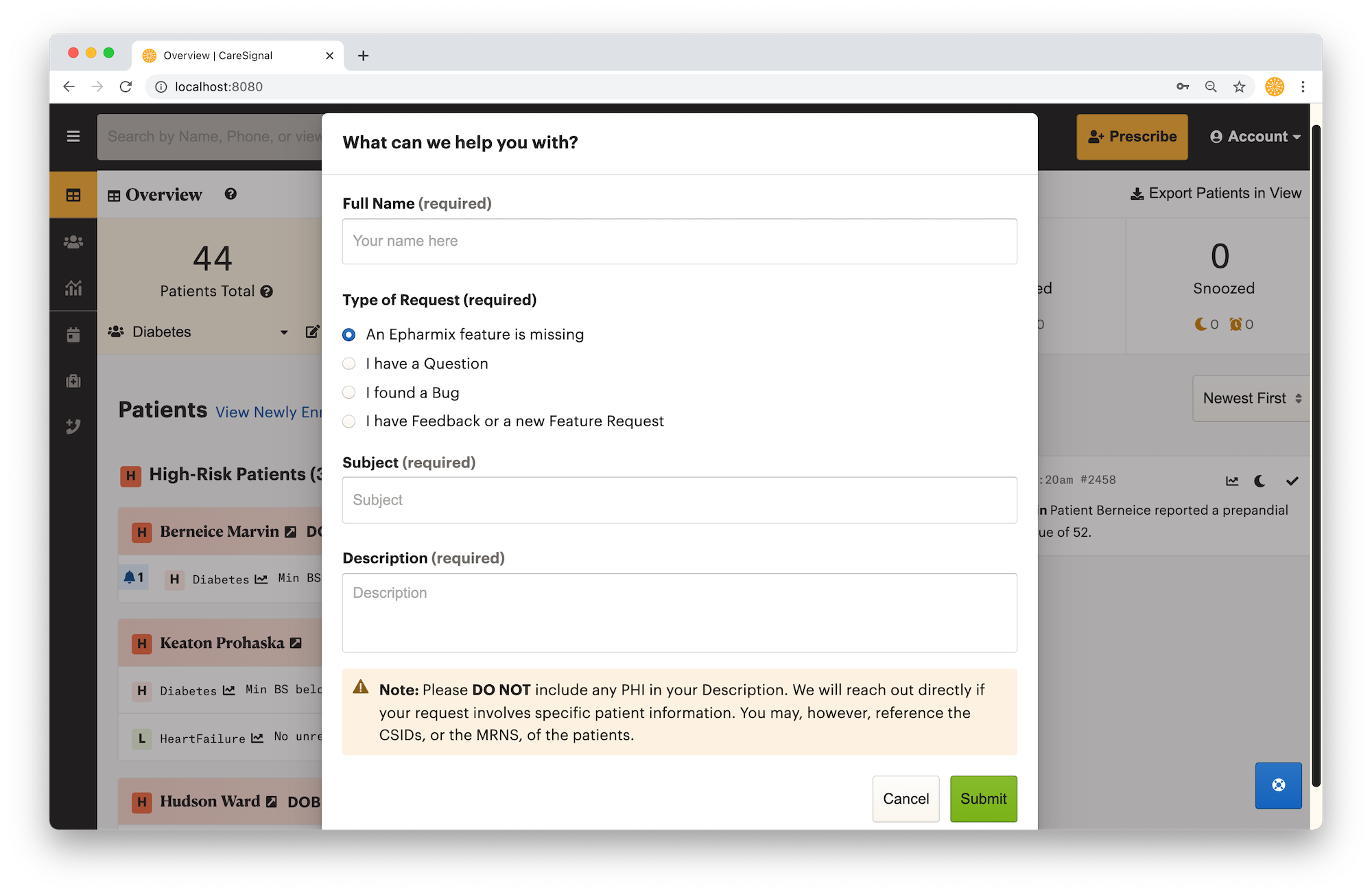
Once complete, simply click submit and wait for the confirmation dialog. Similar to the email channel, a ticket will be created in our support tracking system and our staff will get back to you shortly.