
Add & Prescribe Patient
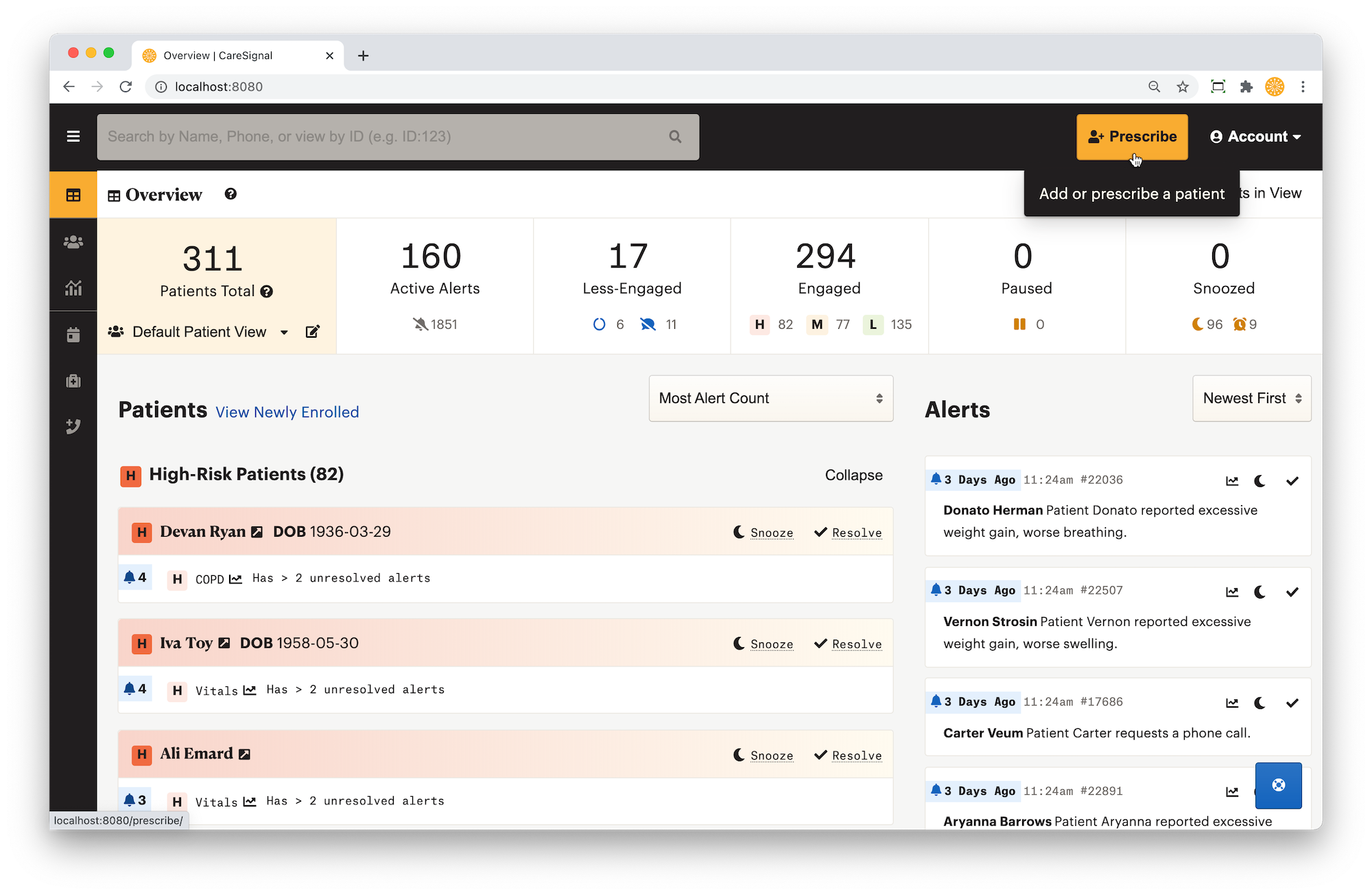
You have the option to add a new patient when you prescribe interventions. You can prescribe an intervention from the top right navigation bar at any time. It takes five steps to prescribe a patient and a prescription can be completed in less than one minute.
Enter Patient Info
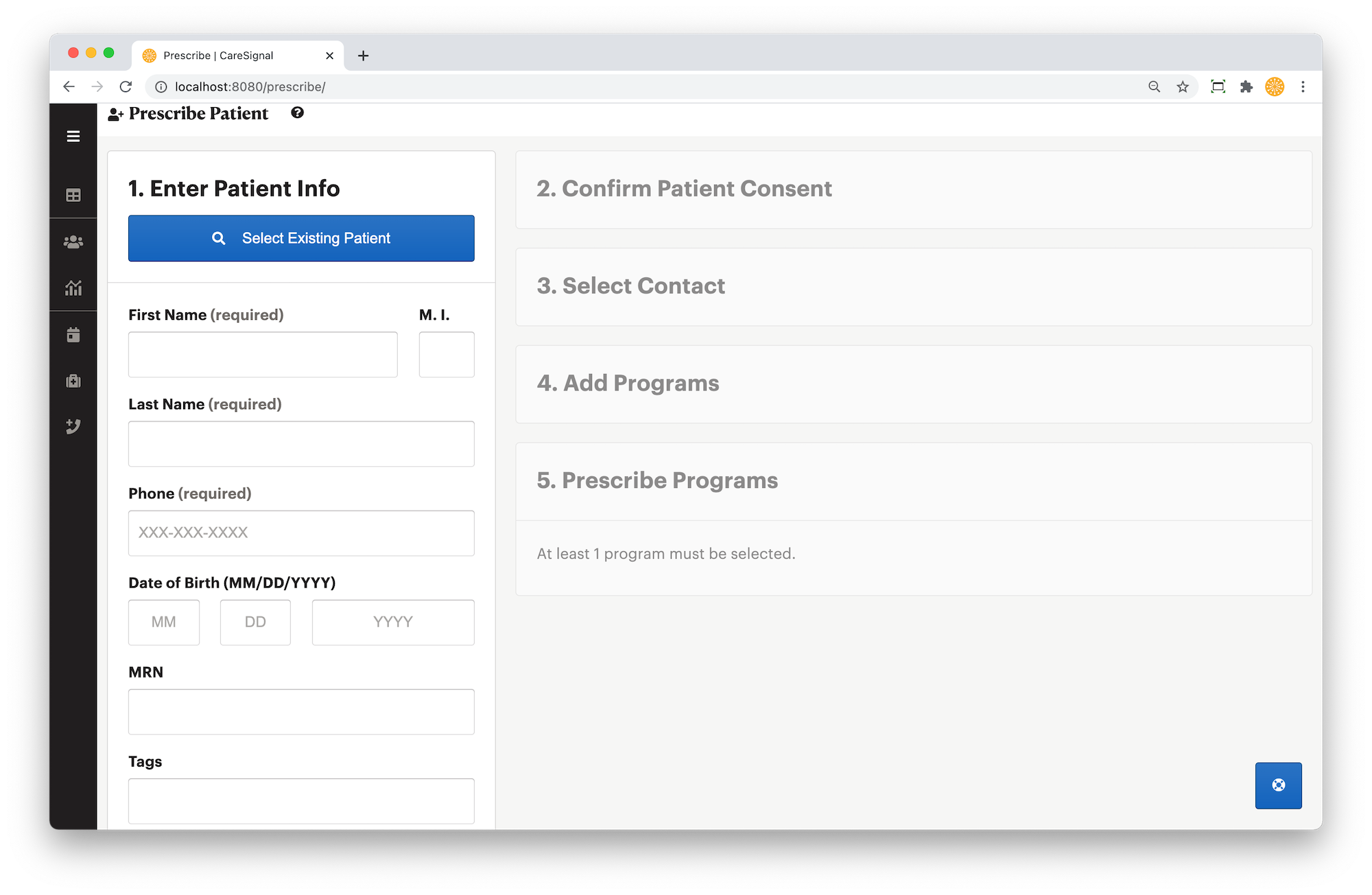
Use the form to enter patient information. The system will look for duplicates and suggest a patient if their information already exists.
Confirm Patient Authorization
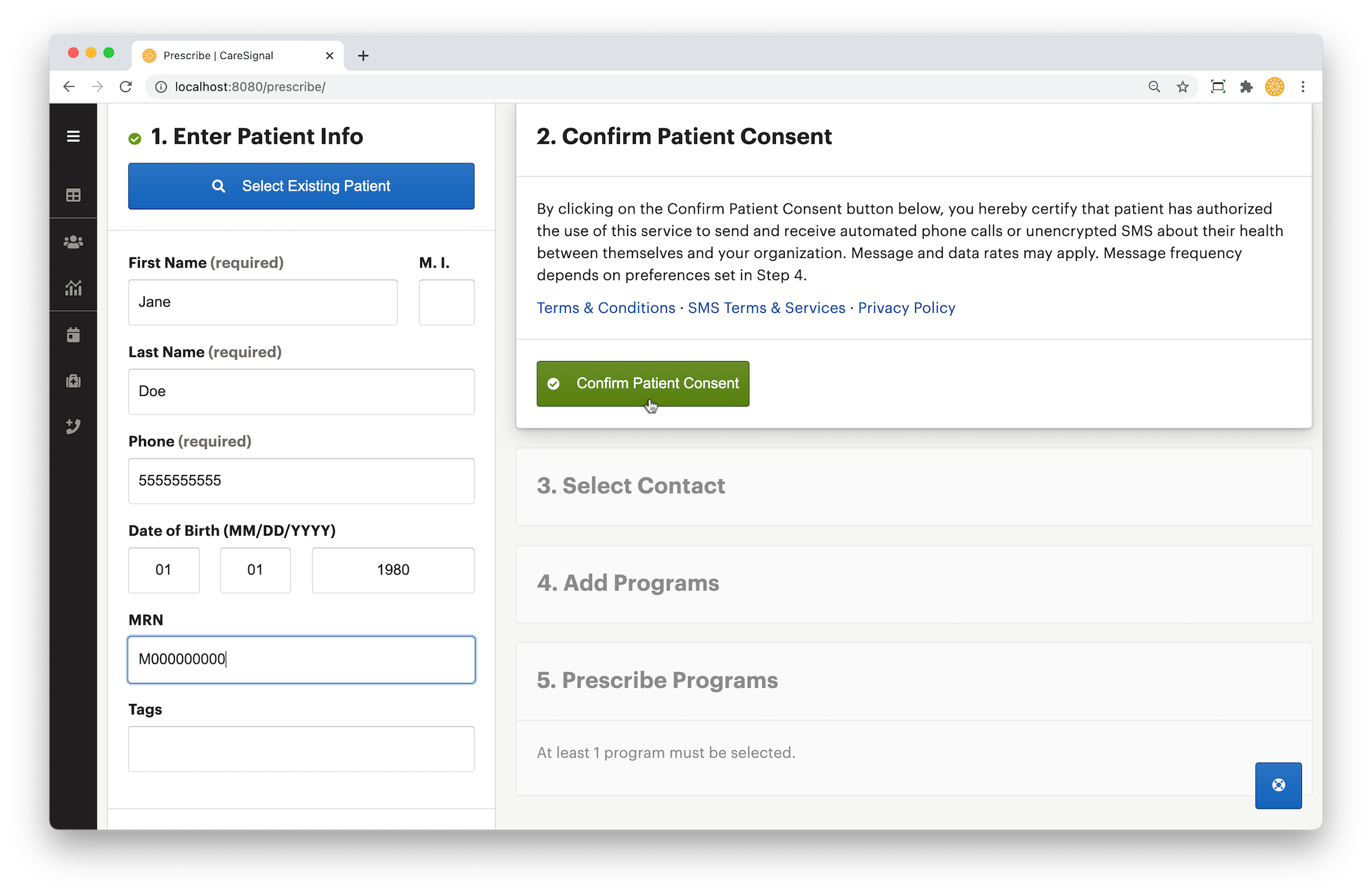
Patients must consent to get messages from CareSignal before you can continue. Simply click the green button if you have the patient's consent to continue.
Select Provider
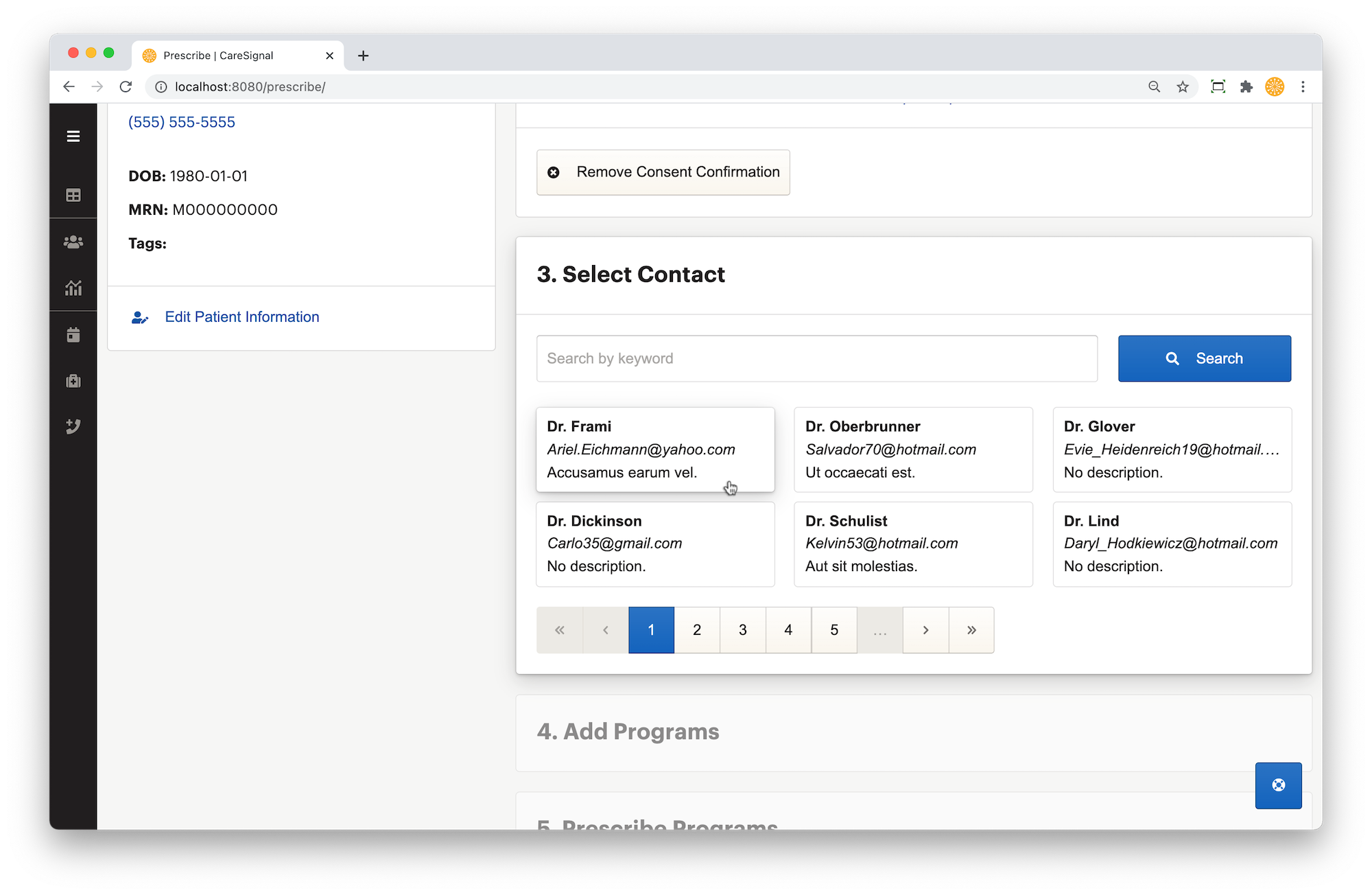
Any recently used providers you have will appear above a list of all provider contacts. If your provider contact list is long, you can filter the contacts by typing in the name of the provider you are looking
Select Programs
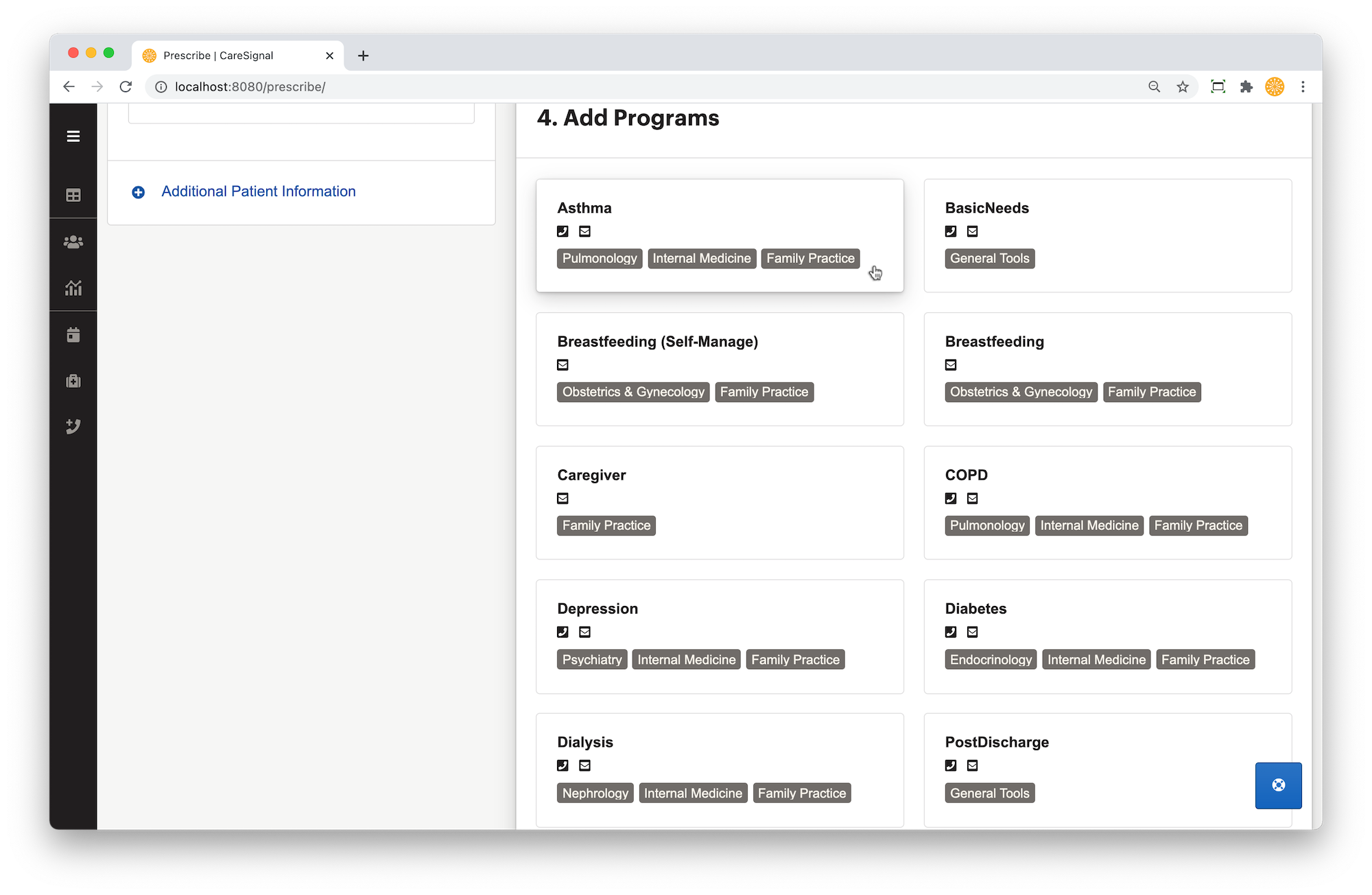
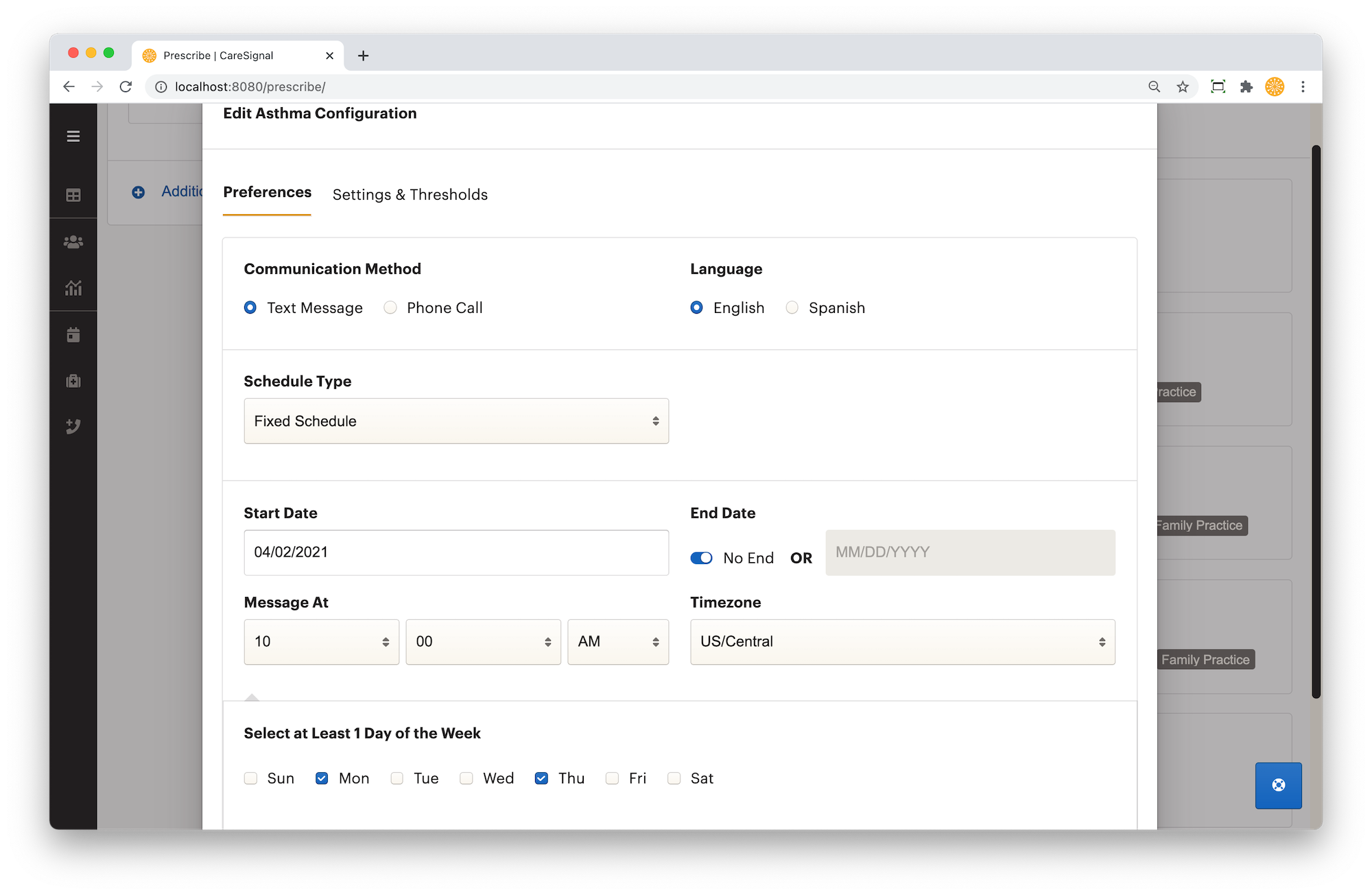
Any recently used programs will appear above the list of all interventions. Once you click on a program, an individual form will pop-up with settings for that program. Generally, patients are prescribed one or two programs at a time.
If the patient has active interventions that cannot be prescribed again, the interventions will state "already prescribed" and you will not be able to click on them.
Prescribe Interventions
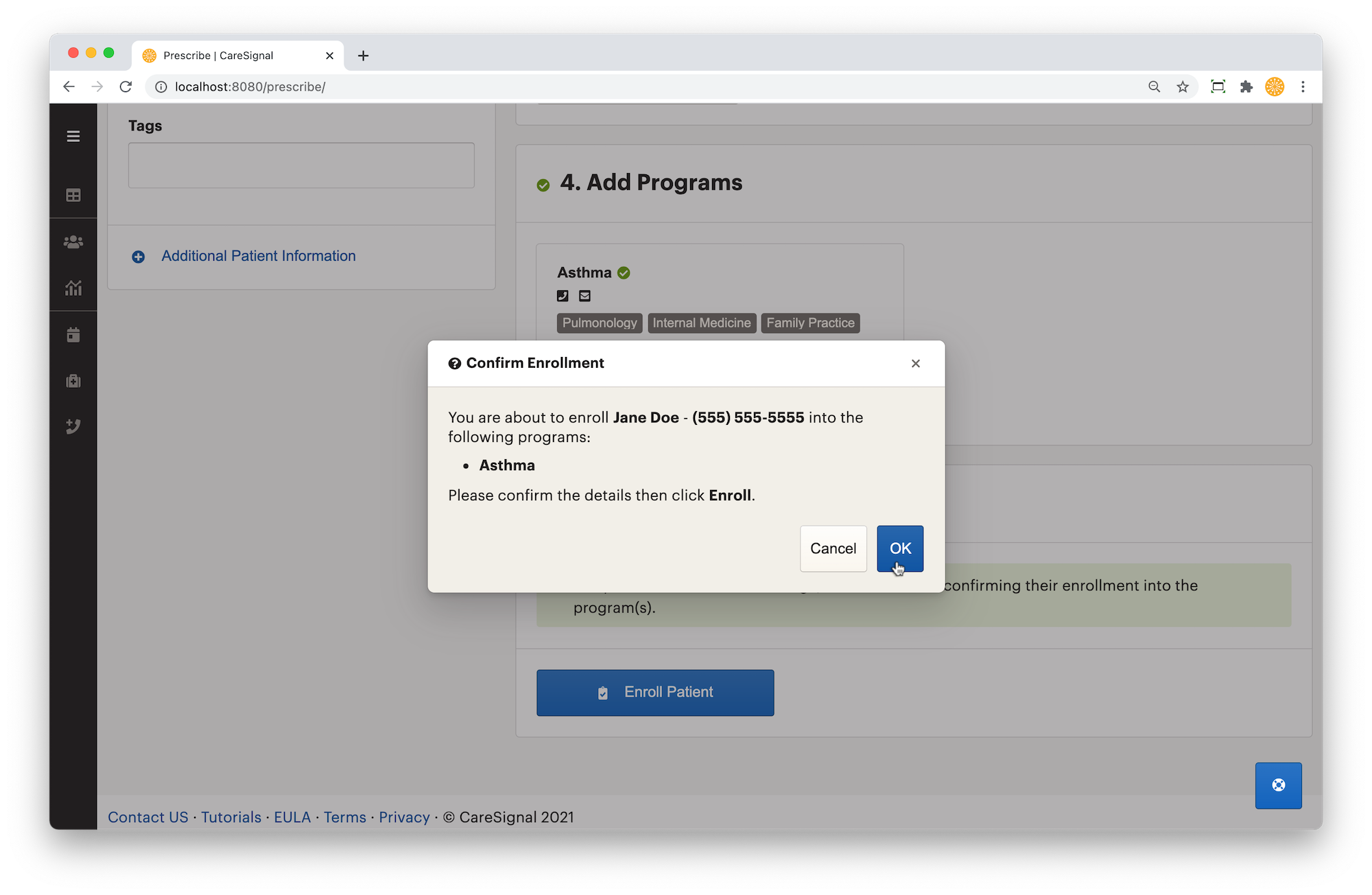
Once every step is complete, you may click prescribe. Depending on your account's settings, you have the option of prescribing with or without the opt-in message.