
You may remove or cancel a patient's program from their Patient Data page.
After you remove a prescription, the messages associated with that program will end, but other programs for that patient will remain unaffected.
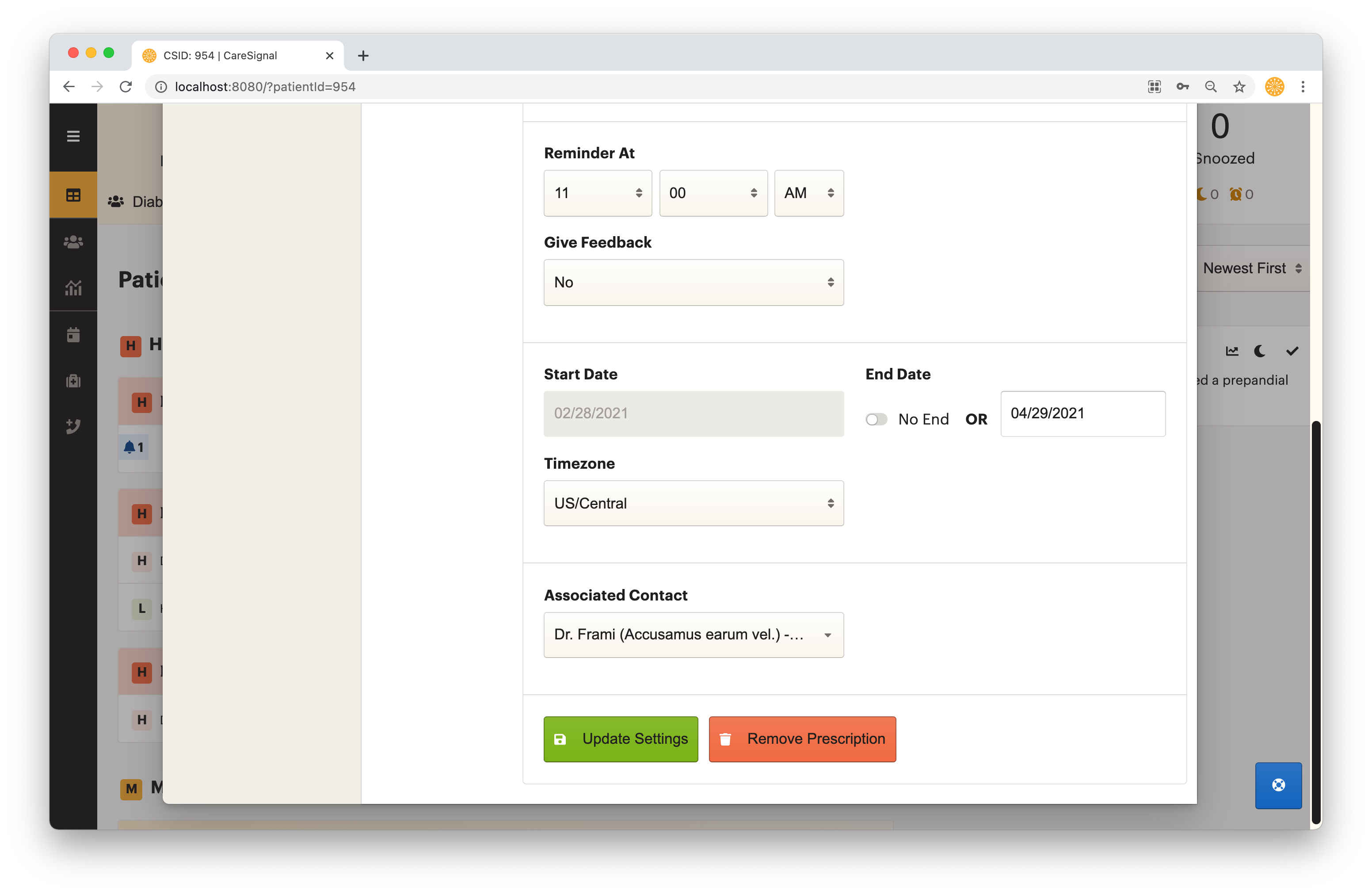
- Open the Patient Data page of the patient with the program you want to edit
- Click on the Program you want to edit
- Click on “Manage Prescription”
- Edit Program Settings
- Click Update Settings
- Click Remove to immediately end the prescription
- Patients will stop receiving messages
- You may re-prescribe the program at a later date
- If you want to simply pause service. Click “Pause patient” instead of removing/canceling the prescription.