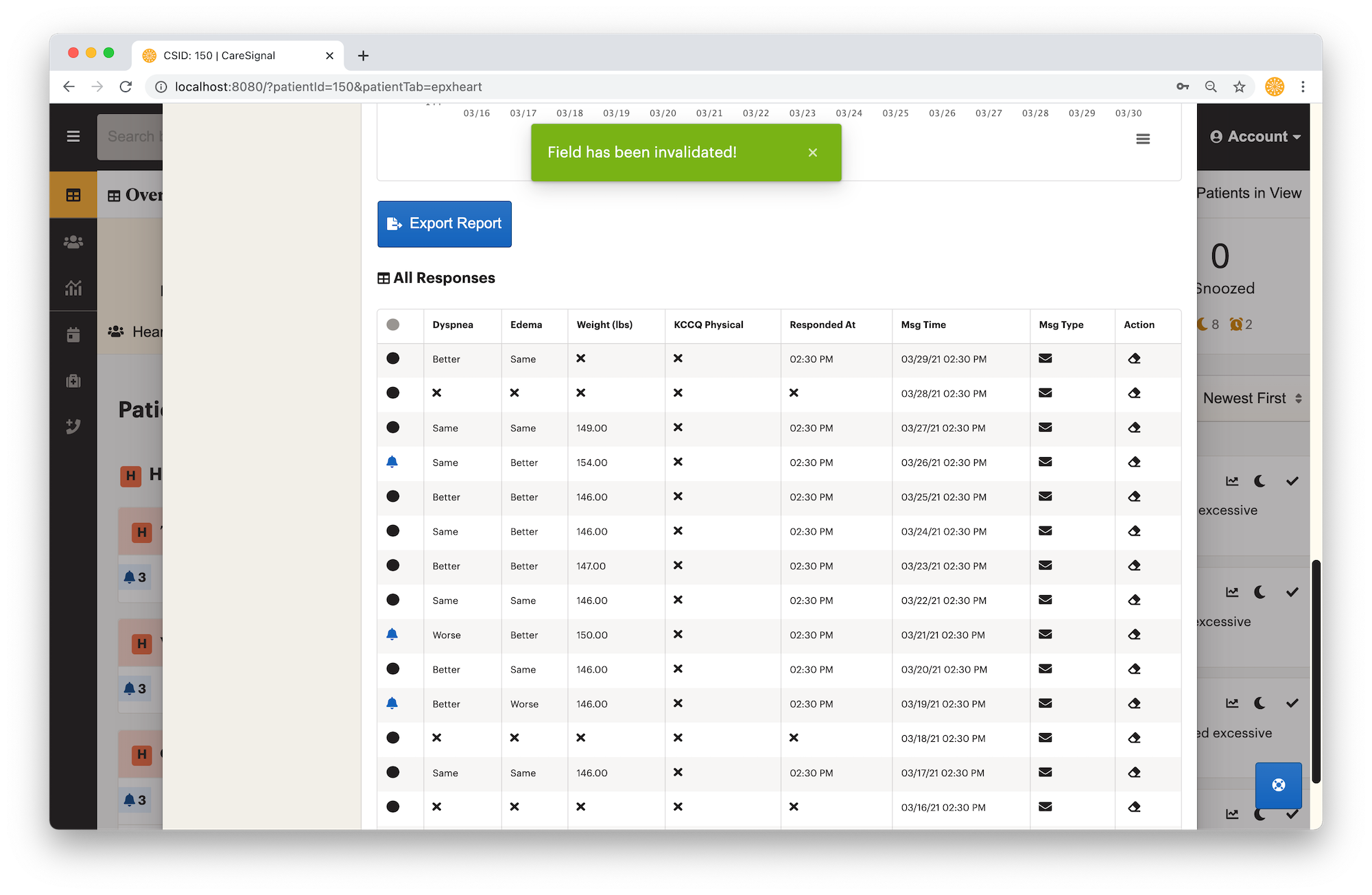
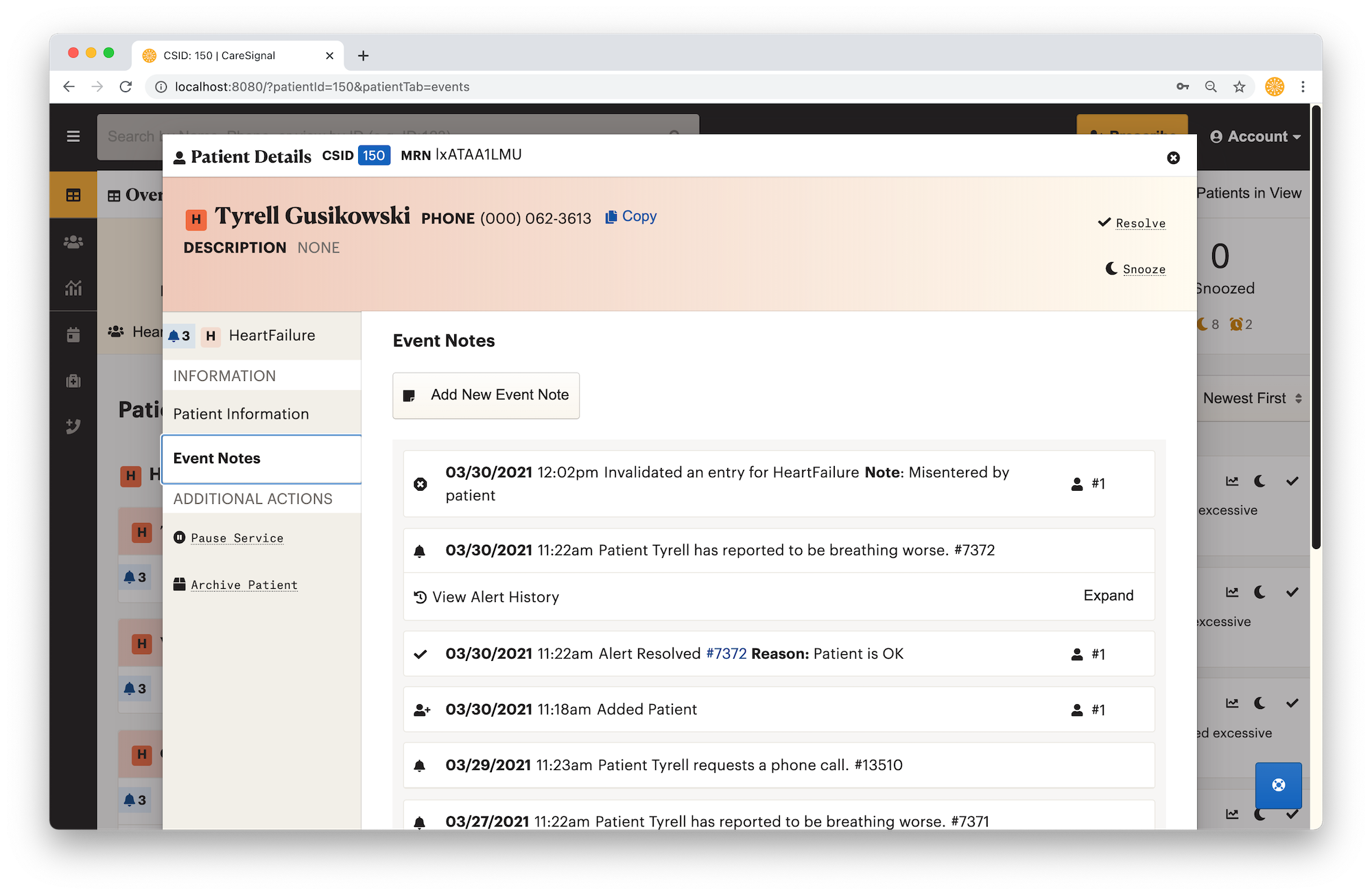
In some cases, patients might report a bad or invalid value to a specific intervention session, which could be due to keypad misentry or misinterpretation of the question. In this guide, we will walk through how to invalidate a specific value for a patient's session.
Supported Values
- Diabetes - Blood Sugar
- HeartFailure - Weight
Description
1. Locate the patient you want to edit on the dashboard or via patient search, and open their Patient Data
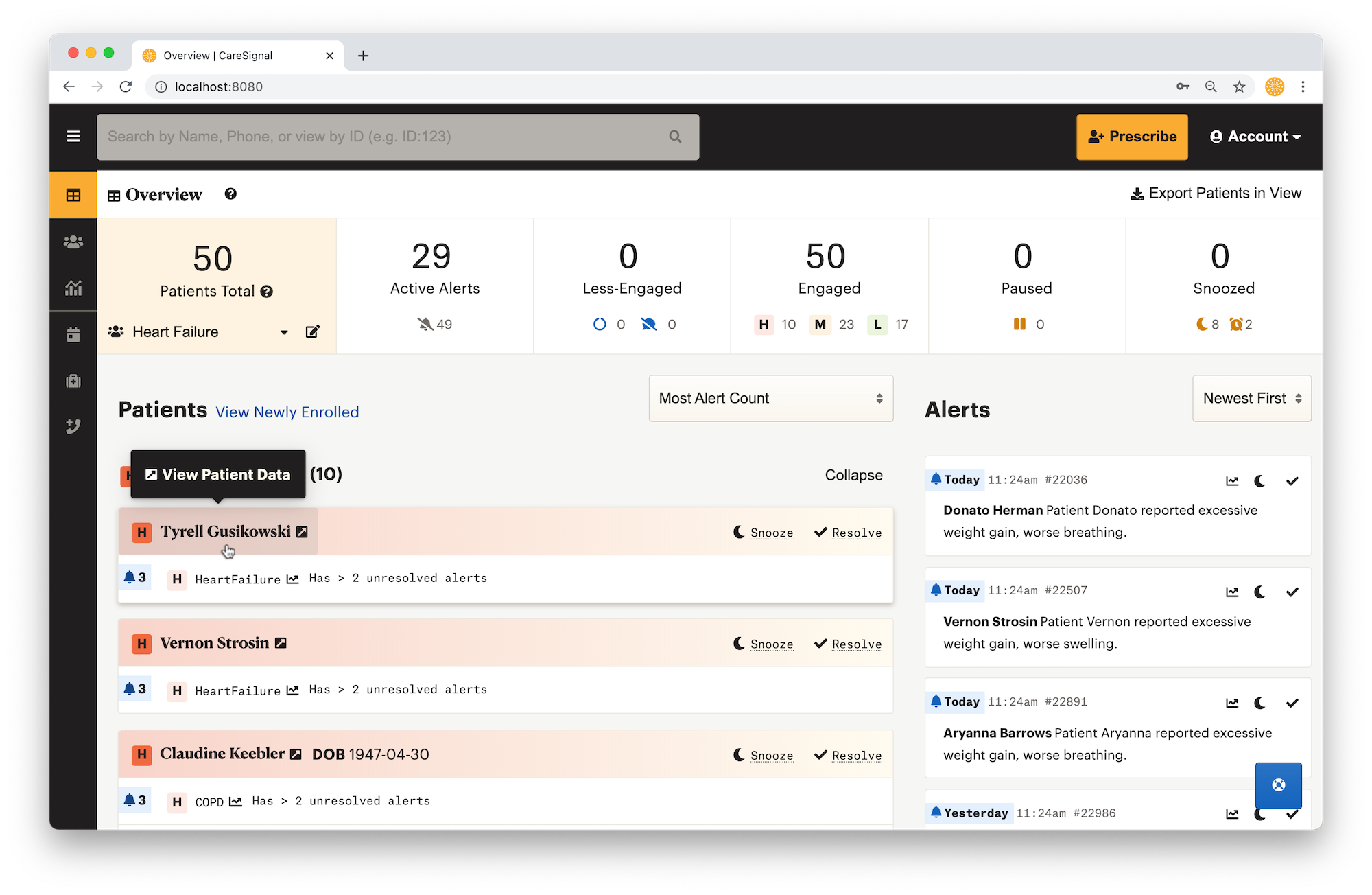
2. In the relevant Program data table, locate the value you want to invalidate, then click on the Invalidate button (eraser icon). In the popup, notate the reason for invalidation
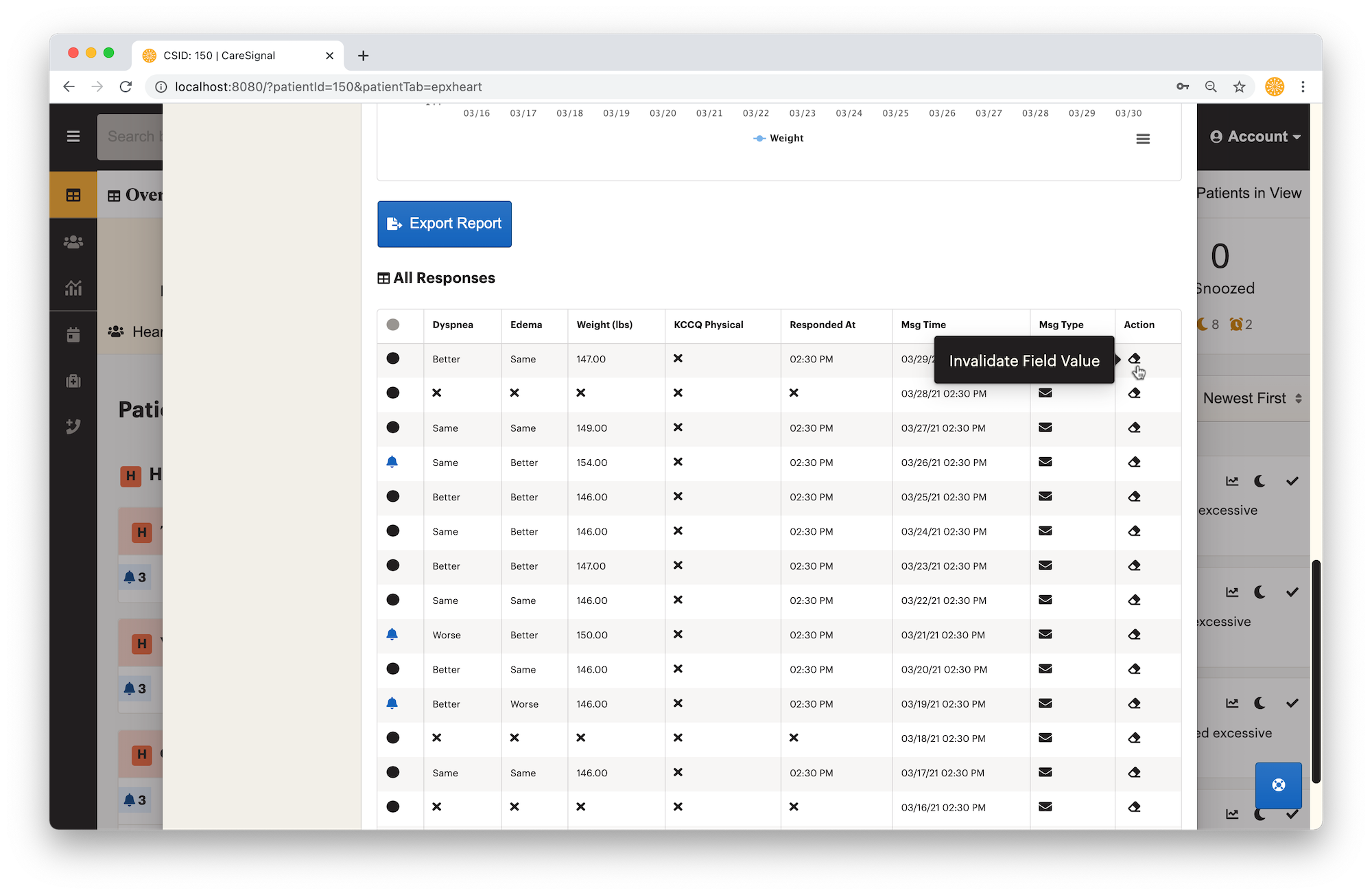
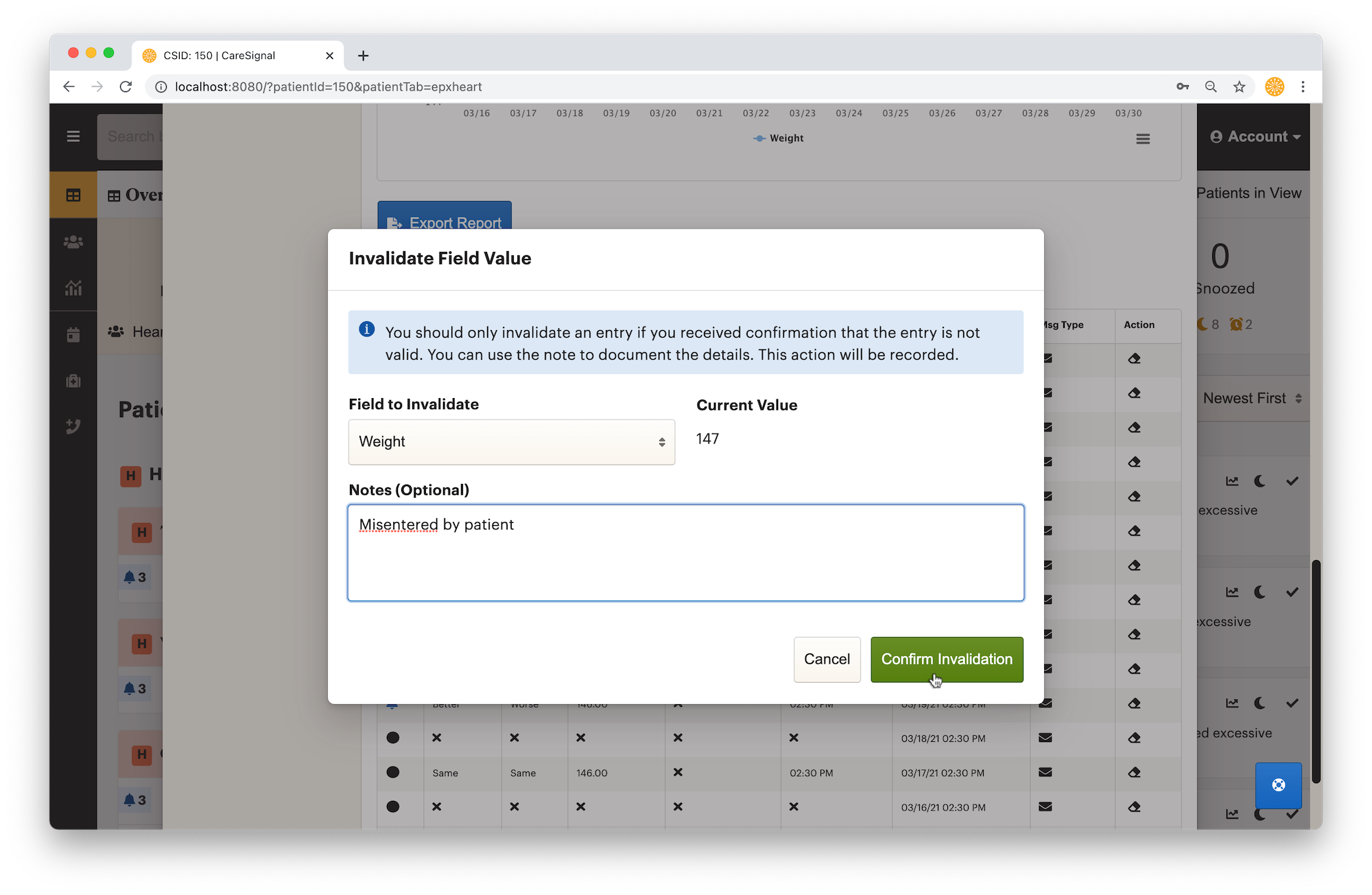
3. Once you are ready, confirm the invalidation. You should see the value is now gone from the table view. The invalidation action will be recorded in the event note